
Shift Your Linux Skills Into High Gear!
Linux is an operating system for servers, mainframes, mobile devices, and embedded devices. For the major studies in IT—especially Cloud Computing and DevOps—Linux acts as the absolute, non-negotiable pre-requisite.
Welcome to LinuxGearbox! We offer practical tutorials, command-line tips, system administration guides, shell scripting, and DevOps-focused lessons. Whether you are a beginner, a college student, or a working professional aiming to switch career tracks, we help you master the foundations step-by-step without getting overwhelmed by heavy technical jargon.
Everyone should learn Linux — the most in-demand skillset for:
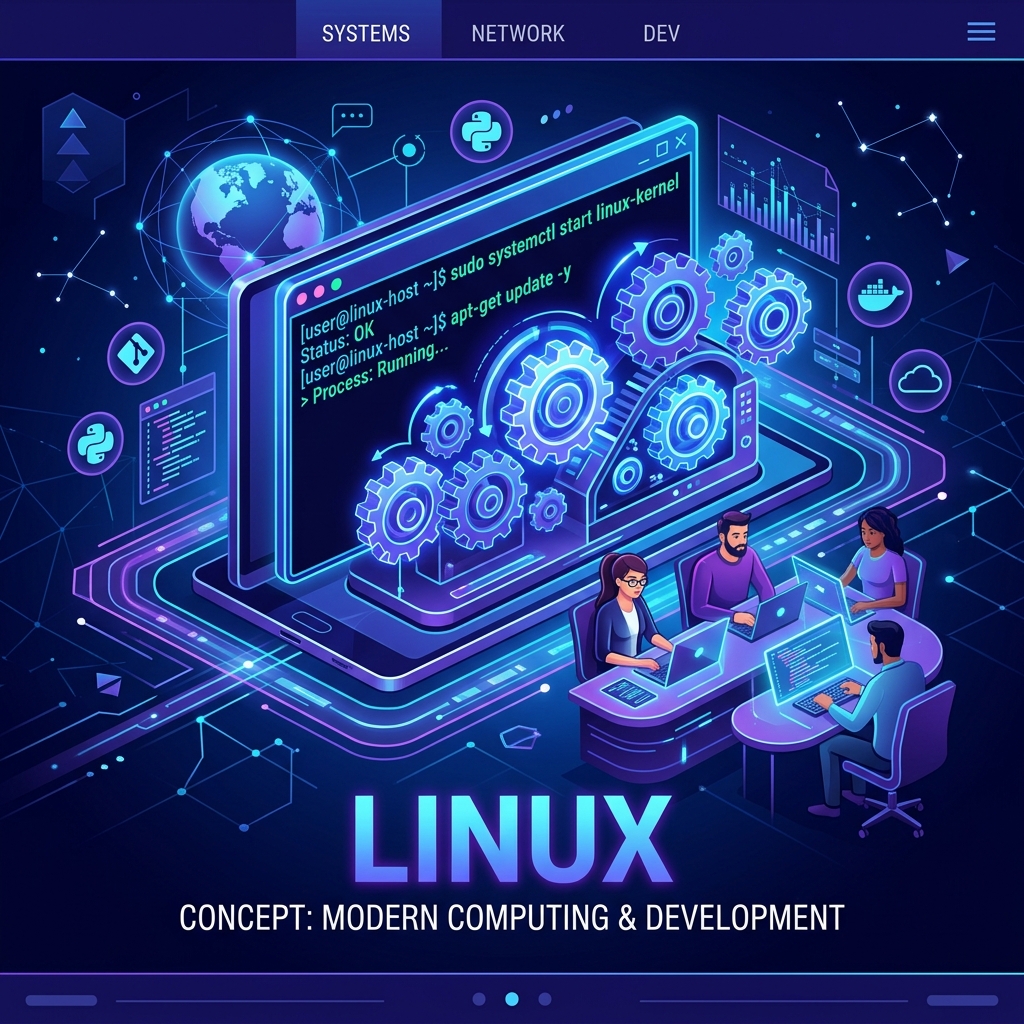
Linux in Modern Technology

Powered by Linux: Global Infrastructure
Linux rules the enterprise. Over 96% of the world’s top 1 million web servers run on Linux. To understand how massive data centers handle millions of requests, you must understand Linux administration.

Reaching the Stars: Real-time Mission Systems
From aerospace engineering to high-performance telemetry, Linux powers rockets, satellites, and cutting-edge space exploration systems thanks to its rock-solid reliability and open-source stability.
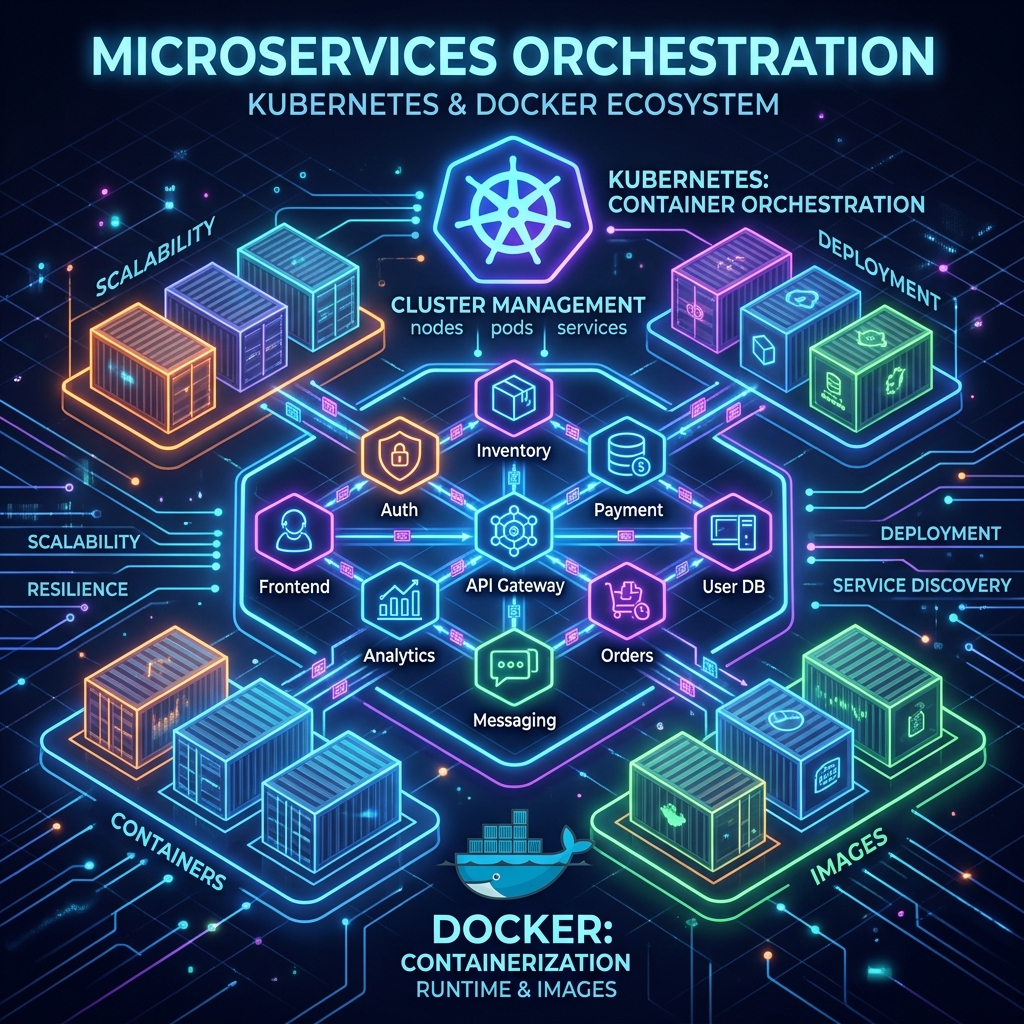
The Ecosystem of Tools: Containers & Cloud
Modern DevOps depends entirely on containerization and microservices. Tools like Docker and Kubernetes are natively built around Linux kernel features like namespaces and cgroups.

Mobile & Desktop Everyday Power
Linux is everywhere around you. Every single Android smartphone is built directly on top of a modified Linux kernel, proving its unmatched adaptability across billions of everyday consumer devices.
The Core Curriculum
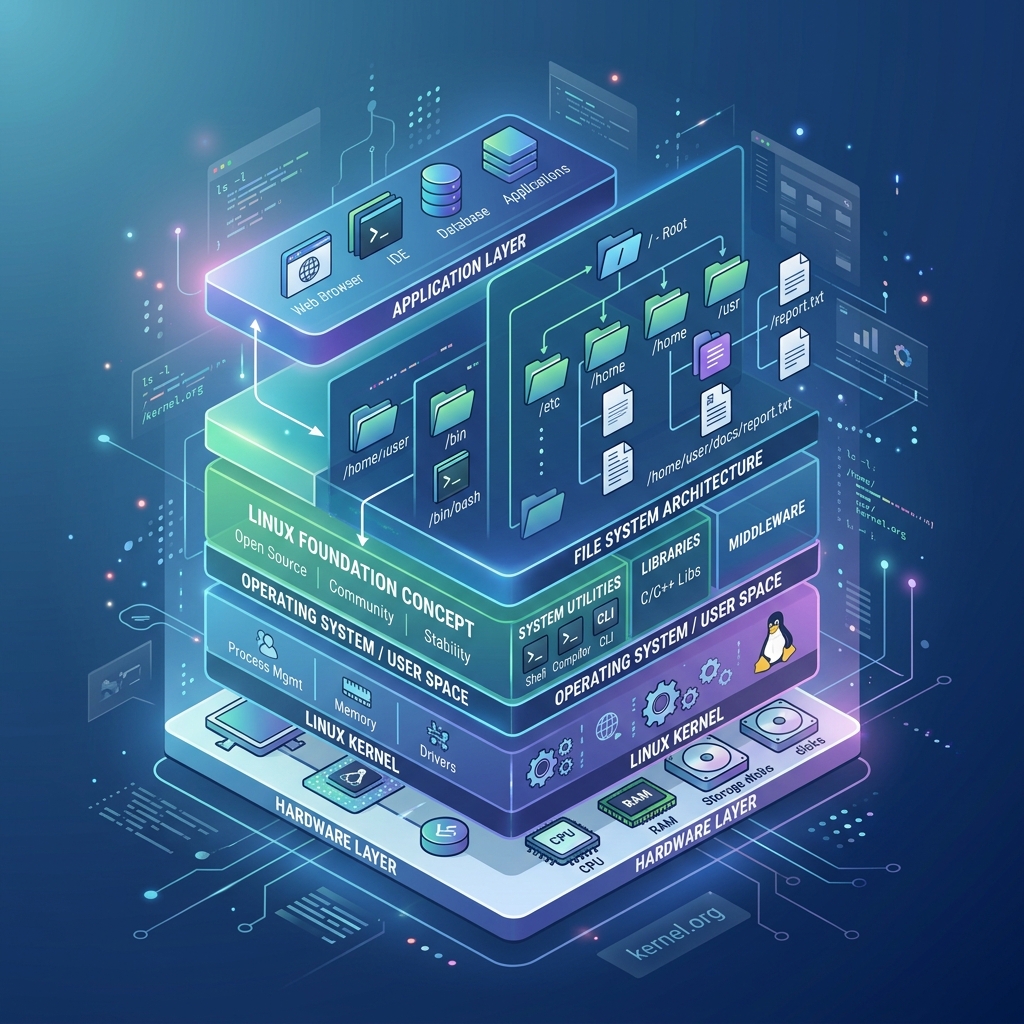
Linux Foundations & Structure
- Introduction to Linux & Architecture
- Linux File System & Directory Structure
- File and Directory Navigation
- Absolute and Relative Paths
- Creating Files & Directories

Mastering the Command Line (CLI)
- CLI & Linux Command Standards
- Help & Text Processing Commands
- Input and Output Redirection
- Pipes, Filters, & File Attributes
- Hard Links & Soft Links
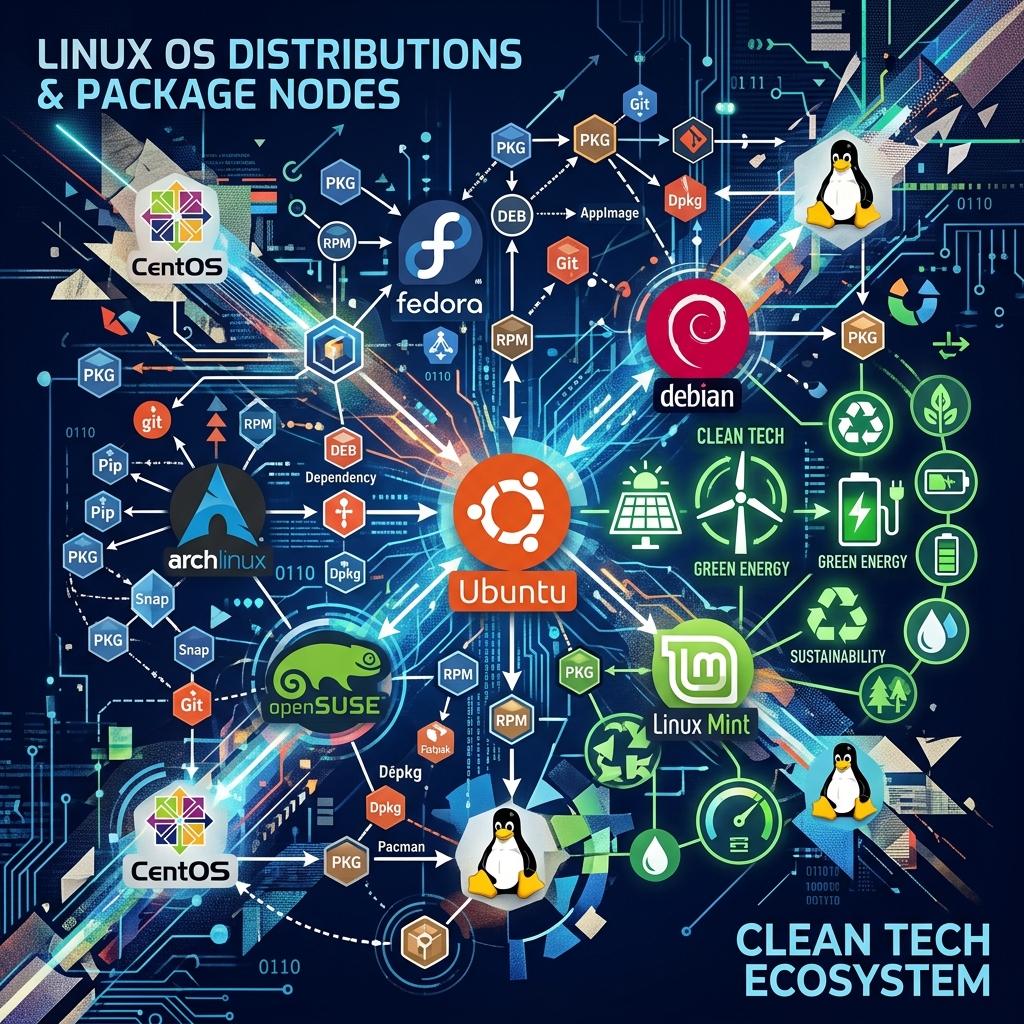
Security, Permissions & Packages
- File Permissions, Ownership & Groups
- Access Control Concepts
- Compression (Zipping & Unzipping)
- Package Management across distros

Systems Administration & Networking
- User & Group Administration
- Password Management
- Linux Services via Systemd
- Process & Job Control
- Networking & DNS Basics
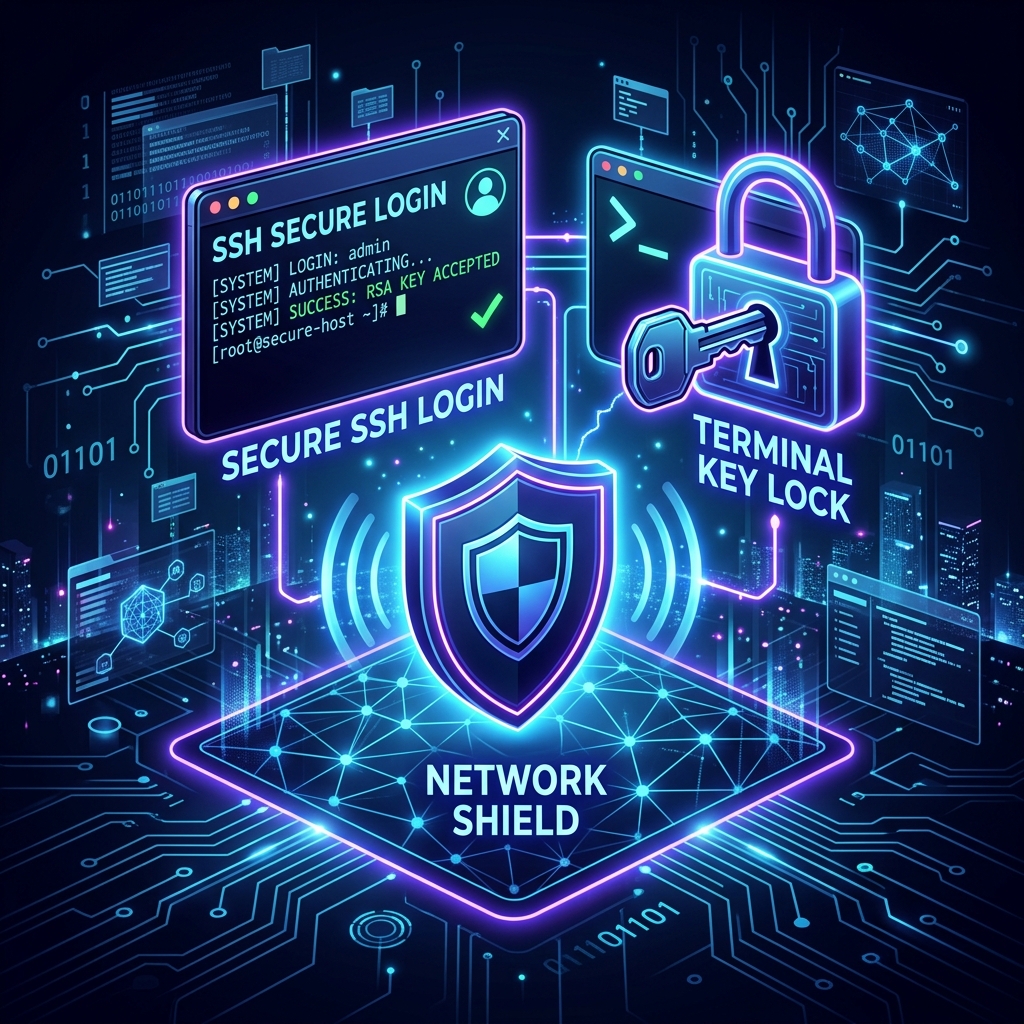
Secure Remote Administration
- SSH Fundamentals & Key Management
- Secure Remote Administration
- Linux Security Basics
- Log Management & System Monitoring
- Troubleshooting Techniques
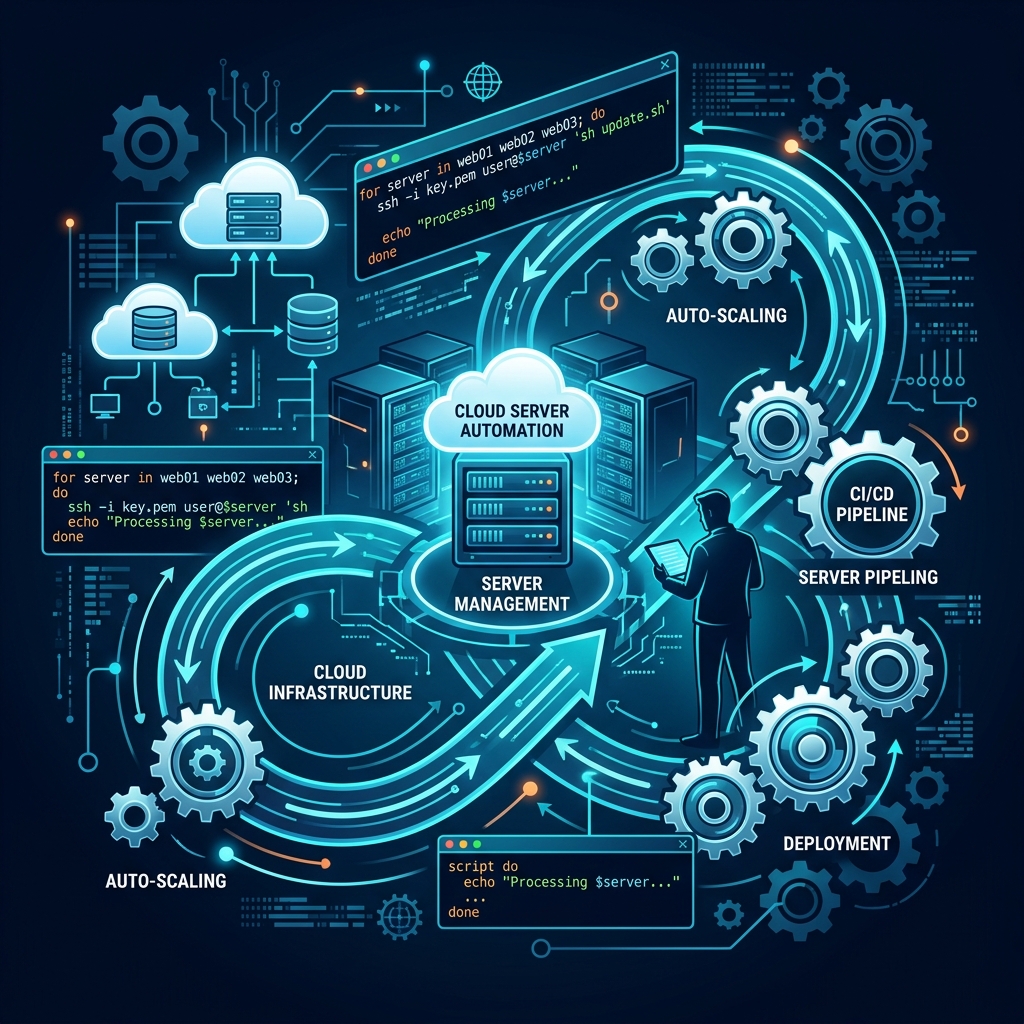
Cloud Automation & Shell Scripting
- Cloud Computing & Linux in Cloud
- Shell Scripting Essentials
- Script Automation & CRON Jobs
- Task Scheduling & Backup Automation
- DevOps Linux Essentials & Best Practices

Prashanth Kusuma
Linux Trainer | DevOps Mentor | Cloud & Automation Enthusiast
Prashanth Kusuma is a passionate Linux and DevOps trainer dedicated to helping students, graduates, and working professionals build strong Linux foundations and advance their careers in modern IT domains. With practical industry-focused training, hands-on demonstrations, and real-world use cases, he helps learners gain confidence in Linux Administration, Shell Scripting, Automation, Cloud Technologies, DevOps practices, and System Engineering.
Core Mission
His mission is to simplify complex Linux concepts and make professional-level Linux skills accessible to everyone.